
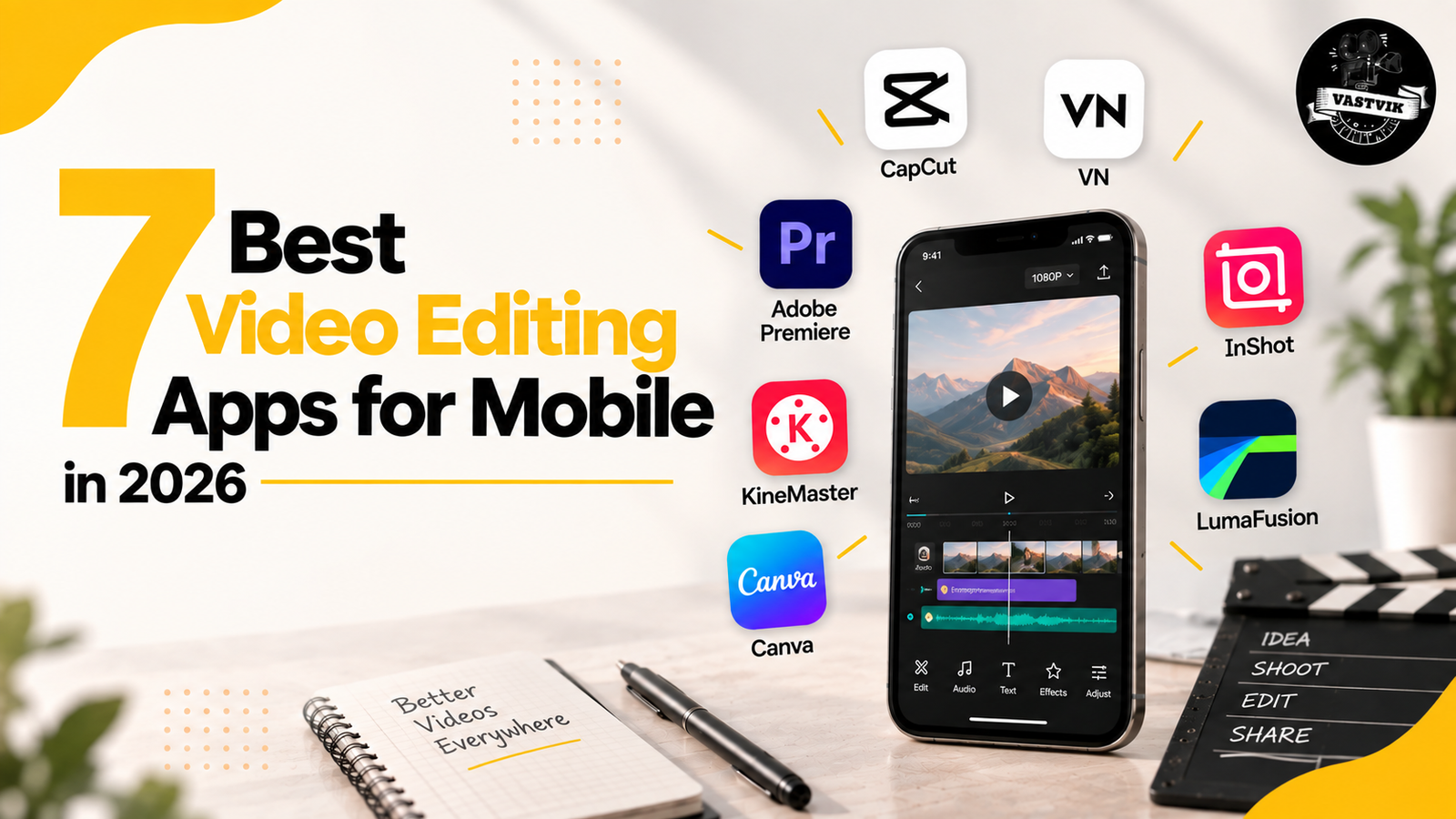
7 Best Video Editing Apps for Mobile in 2026: CapCut, VN, InShot & More
Editing a good video no longer means sitting in front of a computer for hours. For Reels, YouTube Shorts, travel videos, product videos and everyday social content, a phone can now handle a surprising amount of the editing process. The bigger challenge is choosing the right app.
Some mobile video editing apps focus on speed and templates. Others give you more control over layers, keyframes, audio and colour.
So, instead of looking for one app that does everything, we compared 7 of the best video editing apps for mobile in 2026 and looked at what each one is actually good for.
1. CapCut
CapCut is probably one of the first names that comes to mind when talking about mobile editing, especially for short-form content. It works well for Reels, Shorts and other fast social videos because you can quickly cut clips, add captions, create transitions and work with effects and templates. It also includes several AI-assisted features, which can save time on repetitive editing tasks.
Best for:
• Instagram Reels
• YouTube Shorts
• Quick social media edits
• Captions and effects
• Creators producing content regularly
CapCut makes sense when speed matters more than building a complicated editing workflow. For creators and small businesses posting several videos every week, that can be a big advantage.
2. VN Video Editor
VN is a good middle ground between a simple mobile editor and a more traditional editing application. Its timeline gives you more control over clips, layers, keyframes and speed changes, so you can spend more time fine-tuning an edit instead of relying mainly on templates. The interface may take a little more time to understand than a basic editor, but that extra control is useful once you start creating more detailed videos.
Best for:
• Reels and Shorts
• YouTube videos
• Manual timeline editing
• Keyframe animation
• Speed ramps and transitions
• Creators learning video editing
VN is especially useful if you want to learn how an actual editing timeline works before moving to more advanced software. If you are interested in how editing fits into a complete shoot-to-post-production workflow, you can also explore our video production services.
3. InShot
Not every video needs a complicated timeline. Sometimes you simply want to trim a clip, add music and text, adjust the format and upload it. That is where InShot works well. The app currently offers tools including auto captions, effects, transitions and music alongside its everyday editing features.
Best for:
Beginners
• Instagram Stories
• Simple Reels
• Quick personal videos
• Basic promotional content
InShot is easy to understand, which makes it a practical option for someone who does not want to spend hours learning editing software. If your editing needs are simple, you may not need anything more complicated.
4. LumaFusion
LumaFusion sits at the more advanced end of mobile video editing. Rather than focusing mainly on templates and quick social edits, it gives editors a workflow that feels closer to professional editing software. That makes it useful for people who want to work on longer or more detailed projects without moving everything to a laptop.
Best for:
• Advanced mobile editing
• Longer videos
• Multi-layer projects
• Detailed audio work
• Editors using phones or tablets professionally
There is naturally more to learn here than with an app like InShot. But if you regularly edit bigger projects on a mobile device or tablet, having that extra control can be worth it.
5. KineMaster
KineMaster has been around for years, but it has continued adding features rather than remaining a basic mobile editor. Its current toolset includes multi-layer editing, keyframes, colour grading, chroma key, audio controls and AI-assisted tools. KineMaster also supports exports up to 4K/60fps on compatible devices.
Best for:
• Multi-layer video editing
• Green-screen videos
• Keyframe animation
• YouTube content
• More detailed mobile edits
KineMaster is useful when you have outgrown very basic editors but still want to complete most of the work directly on your phone. One thing to remember is that the editing and export capabilities can depend on your device. KineMaster itself notes that not every phone capable of recording 4K can necessarily edit and export 4K smoothly.
6. Adobe Premiere for iPhone
Adobe now has a dedicated Premiere mobile experience for iPhone. It offers a multi-track timeline, frame-accurate editing, auto captions and watermark-free exports. It can also fit naturally into a workflow for editors who already use Adobe software.
Best for:
• iPhone users
• Editors already using Adobe
• Multi-track editing
• More controlled mobile workflows
• Moving between mobile and desktop editing
There is one important limitation in 2026: Premiere’s mobile app is not currently available on Android. Adobe says an Android version is being developed.
So Android users should currently look at alternatives such as VN, KineMaster, InShot or other compatible editors.
7. Canva Video Editor
Canva is slightly different from the other apps on this list. It is not trying to be a traditional professional video editing application. Its strength is combining video editing with design. You can trim and arrange clips, resize videos, add text, graphics and animations, use templates and prepare content for different social platforms. Canva’s mobile editor is available for both iOS and Android.
Best for:
• Marketing teams
• Small businesses
• Social media posts
• Promotional videos
• Text and graphic-heavy videos
• Maintaining brand colours and fonts
For example, if you need to create a quick product announcement, Instagram Story and promotional Reel with similar branding, Canva can make that process much easier. It is less suitable when you need detailed professional post-production.
Which Mobile Video Editing App Should You Choose?
There isn’t one answer for everyone.
• Choose CapCut if most of your work is fast-moving short-form content.
• Try VN if you want more control over the timeline without making the workflow too complicated.
• Use InShot if you mainly need simple, quick edits.
• Look at LumaFusion if you want a more serious editing setup on your phone or tablet.
• Try KineMaster if layers, keyframes, chroma key and more detailed editing controls are important to you.
• Adobe Premiere is worth considering if you use an iPhone and already work within Adobe’s editing ecosystem.
• And Canva makes sense if your videos are closely connected to social media design and brand content.
Are Free Mobile Video Editing Apps Good Enough?
For many everyday videos, yes. A free or basic mobile editor can be more than enough for Reels, Shorts, talking-head videos, simple product clips and personal content. The gap becomes clearer when a project involves multiple cameras, large amounts of footage, detailed colour work, advanced sound design, motion graphics or several rounds of client feedback. At that point, workflow matters just as much as the editing features.
Professional corporate video production usually requires a more complete post-production process because the final video has to maintain consistent visuals, audio and branding across the entire project.
What to Look for Before Downloading a Video Editing App
Before choosing an app, think about what you actually edit. If you mainly make Reels, look at vertical editing, captions and export speed. For YouTube videos, timeline control, audio tools and multiple layers may matter more. If you create videos for a business, check whether you can easily maintain fonts, colours, logos and different aspect ratios. Also consider your phone. Advanced editing features are useful only when your device can handle them smoothly. Large 4K files, several video layers and effects can quickly become demanding on older phones. And finally, check the app’s current free and paid features before committing to a workflow. Features, subscription plans and export restrictions can change over time.
Professional Video Editing with Vastvik Films
Mobile editing apps are great for quick Reels, Shorts and everyday content. But brand videos, corporate films and digital ads usually need more attention to storytelling, colour, sound and overall visual consistency. At Vastvik Films, we work on complete video production and post-production for brands, from planning and shooting to editing, colour grading, sound design and motion graphics.
Whether it is a corporate video, product film, social media content or digital ad, our focus is to make the final video feel right for the brand and the platform where it will be used. You can also explore our corporate video production services or see our recent work in the Vastvik Films portfolio.
Final Thoughts
There is no single best editing app for everyone. CapCut and InShot work well for quick content, VN offers more control, while LumaFusion and KineMaster are useful for more detailed mobile edits.
For everyday content, these apps can save a lot of time. For larger brand projects, a professional editing workflow can provide the extra control and consistency the final video needs.